
Psiphon
Psiphon is a free and open-source internet censorship circumvention tool for Windows that connects you to blocked websites through its own network.
10.8 MB

OpenVPN Connect is the official OpenVPN client for Windows, used to connect to VPN servers from your company or VPN provider.
Average 0.0 · ratings: 0
Thank you! Your rating is saved; you can change it. Could not save the rating. Please try again later. Too many ratings from your network today. Please try again tomorrow. The average appears after 5 ratings.
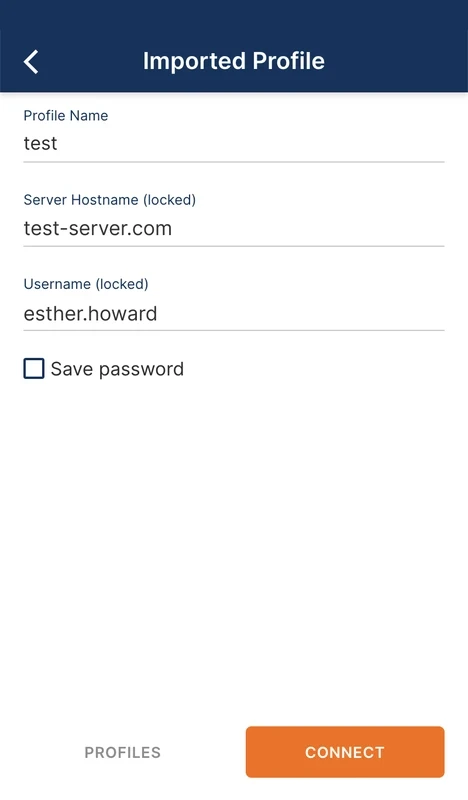
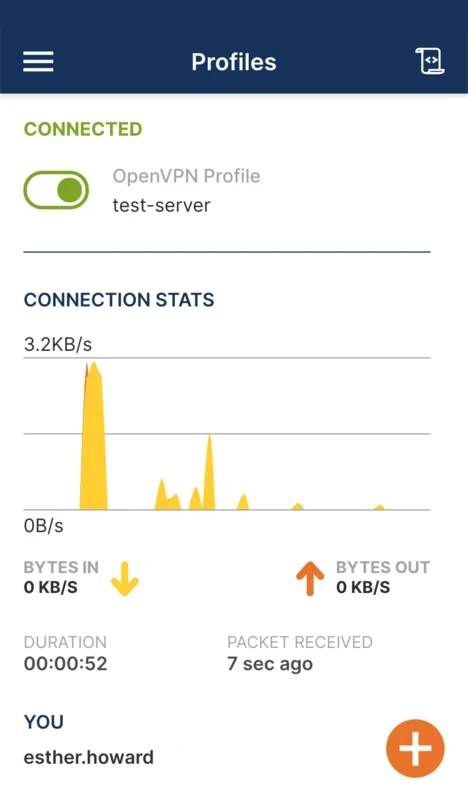

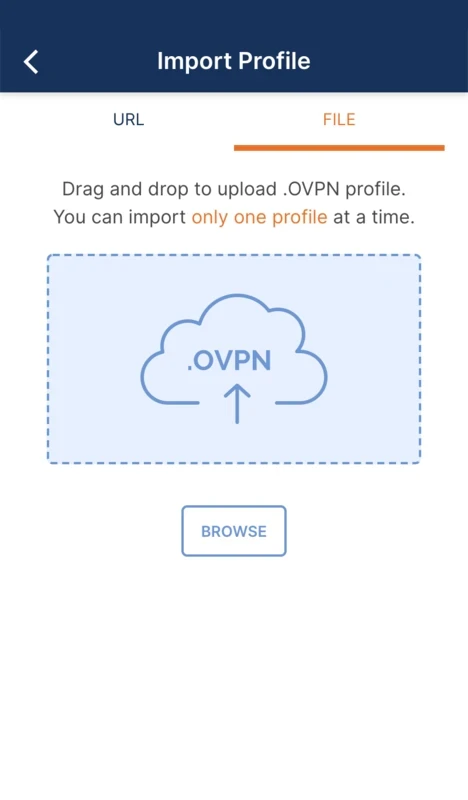
OpenVPN Connect 3.9.0 is the official client from OpenVPN for connecting a Windows computer to a VPN server. It runs on Windows 10 and Windows 11, with versions for macOS and Linux, and you can download OpenVPN Connect for free from the official OpenVPN client page.
OpenVPN Connect is a client, not a VPN service. It creates an encrypted connection between your computer and a server that someone else runs: your company's network, your university, your home router or a commercial VPN provider that supports the OpenVPN protocol. Once connected, your traffic travels through that server, so you can reach internal resources as if you were in the office, or protect your connection on public Wi-Fi. What you can do through the tunnel depends entirely on the server and the profile you were given. This is why the app itself looks simple: most of the configuration lives in the profile file supplied by your administrator or provider, and the client's job is to use it reliably.
From whoever runs the server. Companies usually provide a profile through an internal portal, and VPN providers offer OpenVPN profiles in their account area. Never use profiles shared publicly by strangers: the server operator can see and manipulate your traffic.
The version listed here is 3.9.0. OpenVPN publishes details for each release in the OpenVPN Connect release notes.
| Item | Details |
|---|---|
| Version | 3.9.0 |
| Developer | OpenVPN |
| Windows | Windows 10, Windows 11 |
| Other systems | macOS, Linux |
| Price | Free client |
| Size | about 119.63 MB according to catalogue data |
Check your internet connection first, then the date and time on the PC, since certificates depend on them. Make sure no other VPN client is active, and ask your administrator whether the profile has expired.
Our listings include OpenVPN GUI, another OpenVPN client for Windows, and Proton VPN, Mullvad VPN and Windscribe VPN, VPN services with their own apps.
Psiphon is a free and open-source internet censorship circumvention tool for Windows that connects you to blocked websites through its own network.

1111 Warp VPN is Cloudflare's WARP client for Windows, which encrypts DNS and traffic between your PC and Cloudflare's network.

Turbo VPN for Windows is a VPN client from Innovative Connecting that encrypts your connection and routes it through the provider's servers.

Proxifier is a Windows program by VentoByte that sends the network traffic of any application through a proxy server, even if the app has no proxy settings.

VPN Planet is a Windows VPN client from FreeVPNPlanet with a free option, available from its website and the Microsoft Store.

Radmin VPN is a free Windows program from Famatech that connects computers over the internet into a virtual local network, for LAN games and remote access.

v2rayN is a free, open-source Windows GUI client by 2dust for Xray, v2ray and sing-box proxy servers, with subscriptions and routing rules.

Hotspot Shield is a VPN app for Windows that encrypts your internet connection and changes your virtual location.